FlowQuest Logic Solo
Practice reading flowcharts in one calm learning space. Work through guided quiz sessions, browse the full library, check your progress, review notifications, manage your data, and get help from the built-in AI coach whenever you need an explanation or a nudge in the right direction.
- Practice easy, medium, and hard challenges in any order from the start.
- Use hints, save favorites, revisit finished items, and review your weaker areas.
- See your activity, results, and settings on this device without creating an account.
A clear flow from practice to review
Guided practice
The Practice page keeps you focused on one flowchart at a time, with every difficulty available whenever you are ready for it.
Review with context
Save favorites, revisit finished items, and use your progress views to spot the topics and question types that need more attention.
Help across the whole app
The AI coach is available on every page, so you can ask for quiz help, page guidance, or feature explanations whenever you need them.
How FlowQuest fits together
Start with a flowchart
Open Practice for a guided session or use the Library to pick a specific quiz by title, topic, or difficulty.
Trace, answer, and learn
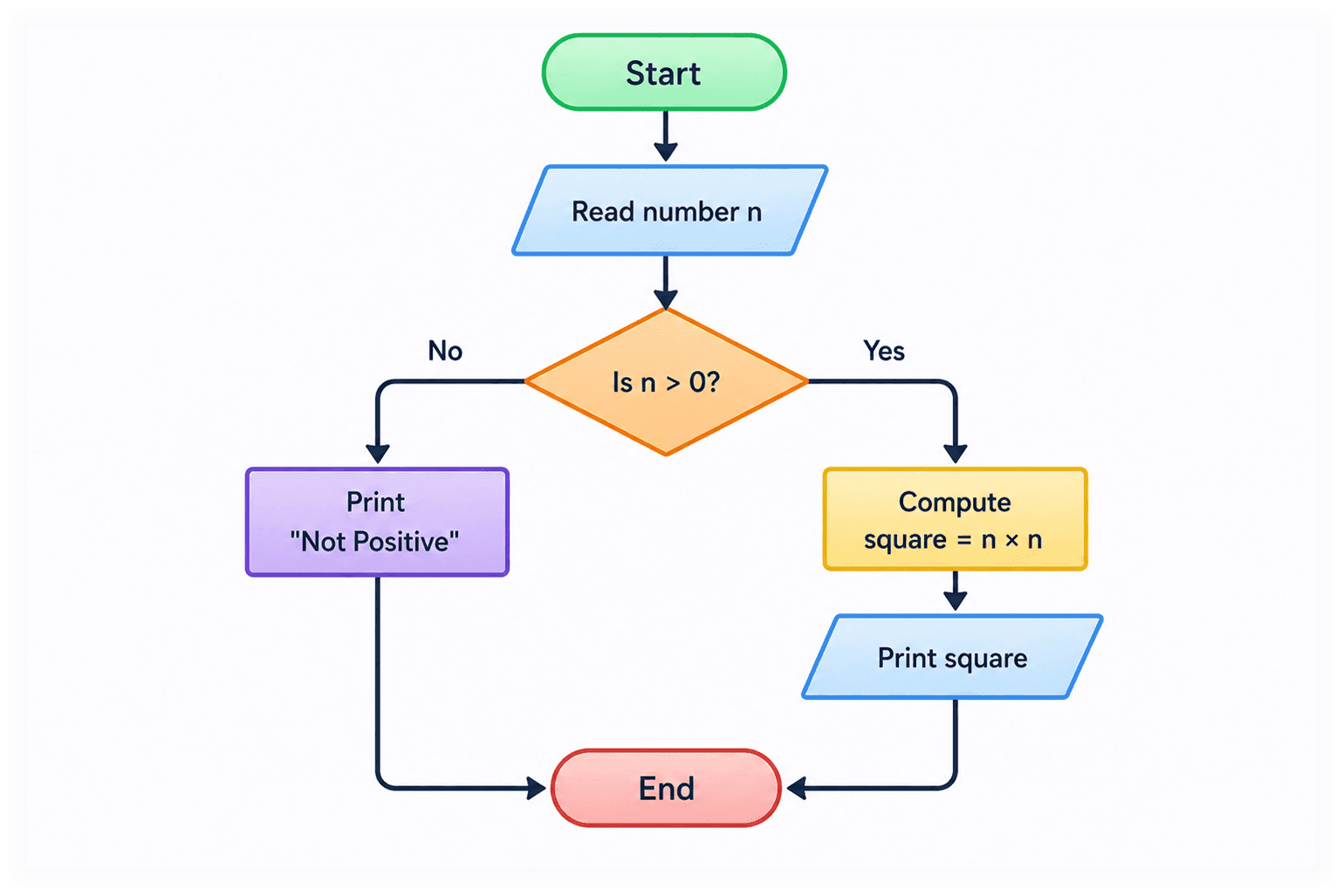
Study the diagram, use a hint if you need one, zoom in with the magnifier, and submit your answer with confidence.
Review your progress
Check your results, revisit favorites and finished items, and use Progress, Notifications, and Settings to stay organized.
Start in under a minute
Jump into a quiz, explore the library, or see the quick walkthrough.